

Prerequisites
To get the most out of this guide, you’ll need to:- Create an account on Creem.io
- Have your API key ready
1. Create a product
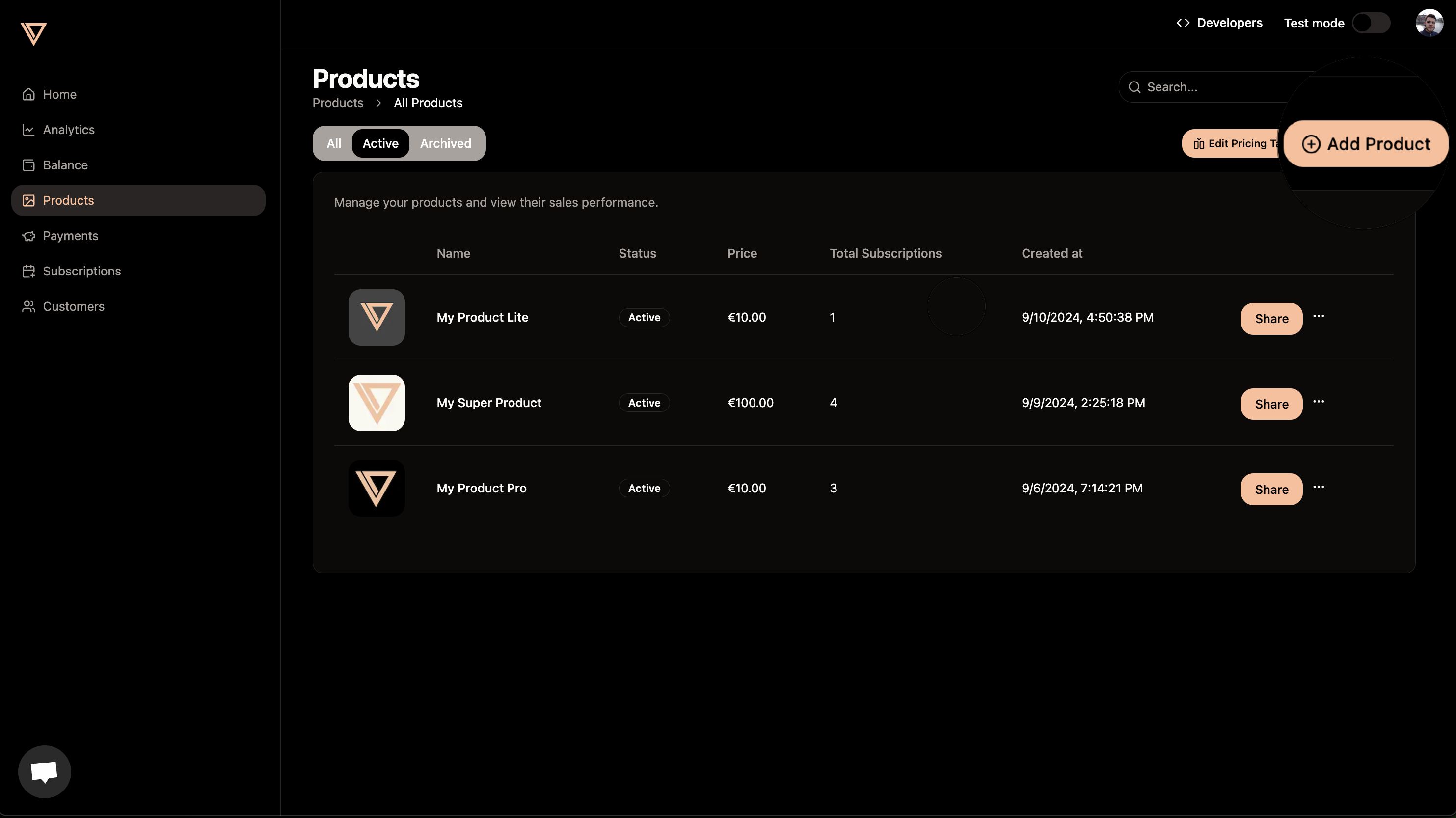
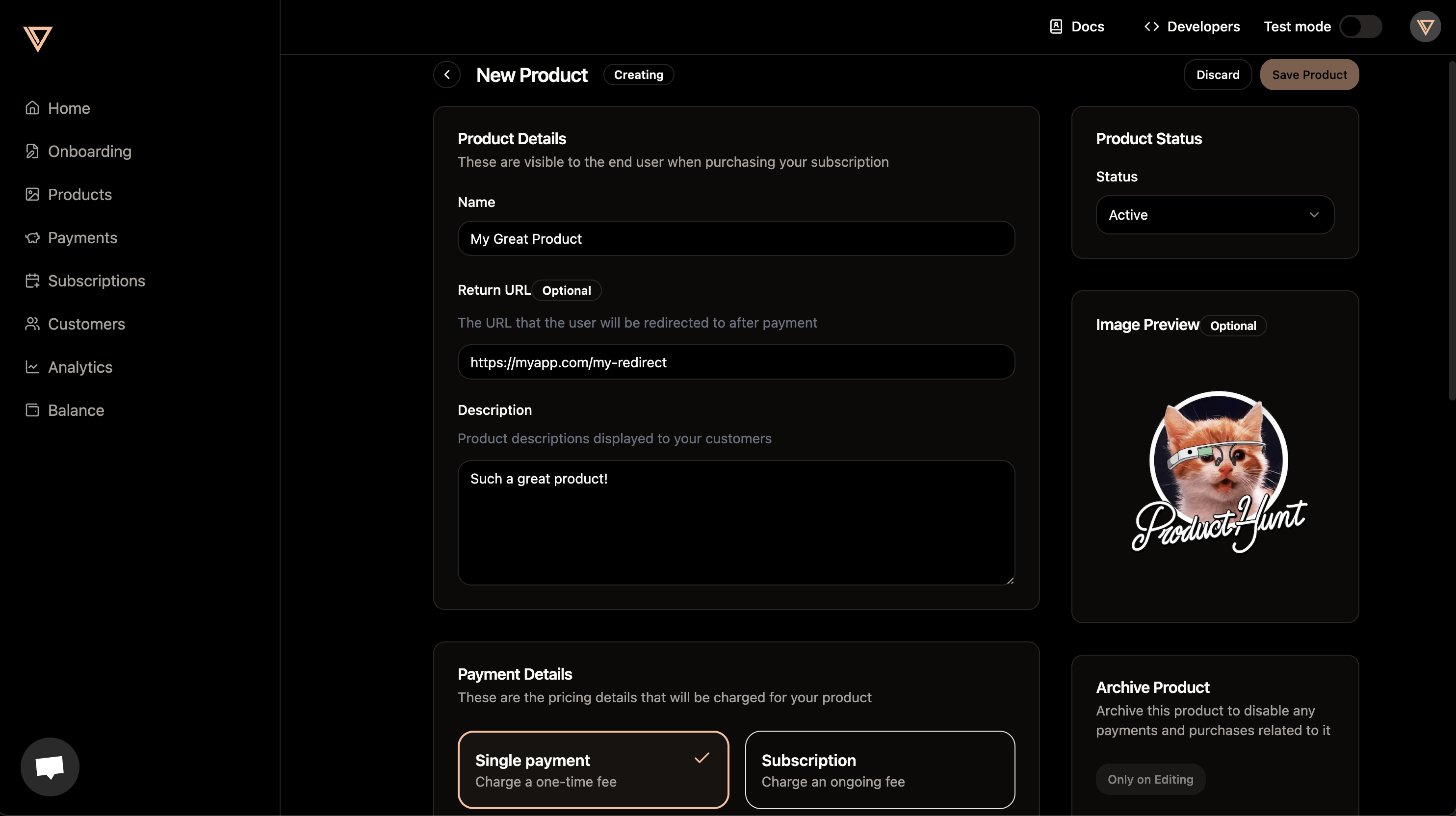
Go over to the products tab and create a product. You can add a name, description, and price to your product. Optionally you can also add a picture to your product that will be shown to users.Product page
Product page
Adding product details
Adding product details
2. Copy the payment link from the product
After successfully creating your product, you can copy the payment link by clicking on the product Share button. Simply send this link to your users and they will be able to pay you instantly.3. Customize with URL parameters
Payment links support query parameters that let you customize the checkout experience without any code. Append them to your payment link URL:Available parameters
Parameters like
discount_code and metadata are processed server-side and won’t appear in the final checkout URL. The theme parameter and any other unrecognized parameters are forwarded to the checkout page as query strings.More use cases
If you are not planning to do a no-code integration, we strongly encourage you to check out our other guides. Create checkout-sessions and prices dynamically, use webhooks to receive updates on your application automatically, and much more. Check out our guides to get the most out of Creem.Checkout API
Learn how to create and manage checkout sessions programmatically using the
Creem API.
Webhooks and Events
Set up webhooks to receive updates on your application automatically.